
Black icon packs are everywhere, but most stop at a flat recolor and call it premium. OX BM HyperOS Theme actually backs that word up, pairing genuinely dimensional 3D black icons with depth-effect wallpapers and real customization options rather than a fixed, one-size-fits-all layout. Designed by oxfury 0.2 alongside masuod, it’s a hefty release at 75.16 MB, built for Xiaomi, Redmi and POCO devices running HyperOS or HyperOS 2.0.
OX BM HyperOS Theme Key Features
- 3D Black Icon Design: Icons use dimensional shading and depth rather than sitting as flat black shapes, giving OX BM a distinct identity compared to the many flat black icon packs already out there. That extra rendering work is really what earns the “premium” framing.
- Depth Effect Wallpapers: The wallpaper collection uses genuine layered depth rendering rather than a flat static image, giving scenes real foreground-to-background separation that complements the dimensional icon work above it.
- Customizable Elements: Several parts of the theme can be adjusted rather than staying fixed, going beyond the take-it-or-leave-it approach most themes at this file size default to. Exactly what’s adjustable becomes clearer once applied, since the options sit inside the theme’s own settings menu.
- Consistent Black Palette: The color scheme stays disciplined throughout, black carrying across wallpaper, icons and UI accents rather than mixing in unrelated bright tones. That consistency is what keeps the whole package feeling deliberate rather than assembled from mismatched parts.
- Larger, Detail-Rich Build: At 75.16 MB, OX BM HyperOS Theme is one of the heavier releases from oxfury 0.2 and masuod, suggesting more assets and rendering work went into it compared to their lighter theme drops. Worth factoring in if you’re on limited storage or a slower connection.
- Verified Original Design: The designers are explicit that OX BM HyperOS Theme is their own original work, built with some resources from other creators but not a repackaged copy circulating from elsewhere. Worth knowing given how much recycled content floats around in this space.
- Active Telegram Support Channels: Both designers maintain multiple dedicated channels for feedback and troubleshooting rather than going quiet after release. If something doesn’t display correctly on a specific device, there’s an actual place to report it and get a response.
OX BM HyperOS Theme Preview
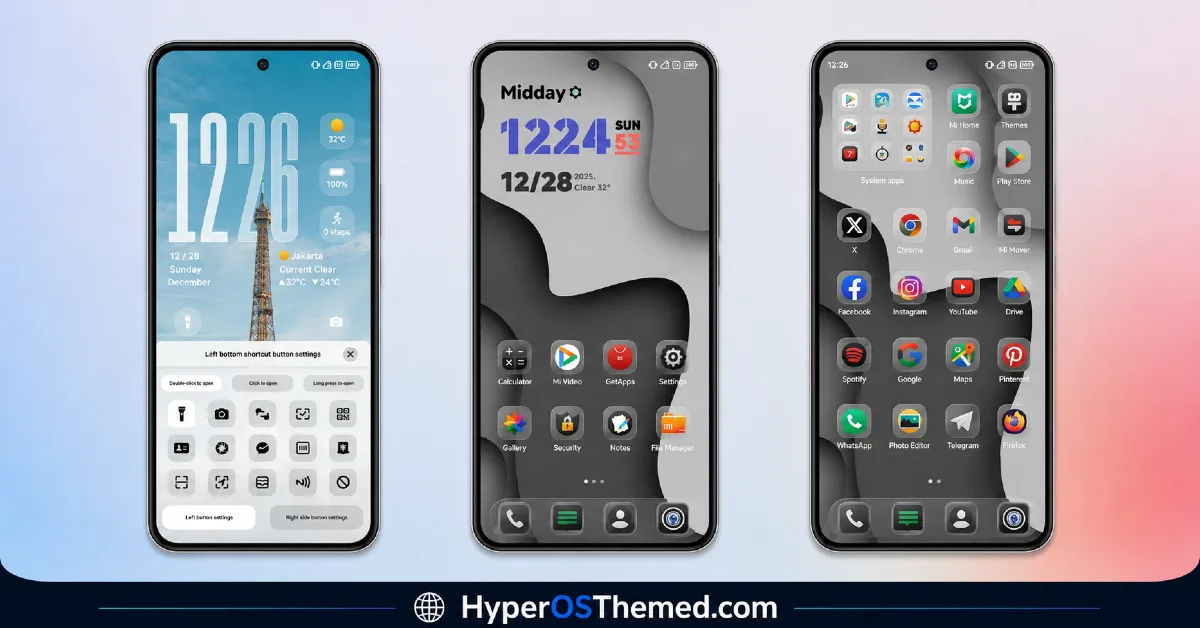
The screenshots below show the 3D black icon set, the depth effect wallpapers and how the customizable elements come together once the theme is applied. Since the dimensional icon rendering is the main draw here, it’s worth looking closely at the preview to see how convincingly that depth actually shows up.
OX BM HyperOS Theme Overview
| Attribute | Details |
|---|---|
| Availability | Free, via Xiaomi Theme Store |
| Supported Devices | Xiaomi, Redmi and POCO phones running HyperOS |
| Theme Name | OX BM |
| Designer | oxfury 0.2 (with masuod) |
| Region | Global |
| Compatibility OS | HyperOS and HyperOS 2.0 |
| Features | 3D black icon design, depth effect wallpapers, customizable elements, consistent black palette |
| File Size | 75.16 MB |
OX BM HyperOS Theme Compatibility
OX BM supports HyperOS and HyperOS 2.0 across Xiaomi, Redmi and POCO devices, though it doesn’t currently list official support for HyperOS 3.0. Given the larger file size, it’s worth confirming there’s enough free storage before downloading, particularly on devices already running close to capacity.
Custom ROM users on setups like Xiaomi EU ROM or MIUIRoom can still install the theme manually through the MTZ file, and since the 3D icons and depth wallpapers rely on more detailed rendering, older or lower-powered devices may display them with somewhat less sharpness than current flagship hardware.
Get OX BM HyperOS Theme
Download OX BM only through the official Theme Store link rather than random third-party file hosts or unofficial APK uploads. Files sourced outside verified channels are difficult to confirm as unaltered and may not reflect what oxfury 0.2 and masuod actually released. Sticking to the official Theme Store link keeps the installed version consistent with the intended design and ensures any future updates remain accessible.
A Quick Note on Credit
OX BM was designed and built by oxfury and Masuod, using a mix of original and third-party resources. It’s shared here for you to use on your own device — but please don’t re-upload it elsewhere or claim it as your own work; that’s disrespectful to the effort that went into it. If you want updates, support, or to leave feedback, you can reach the creators on Telegram through @englishthemesoxfury, @ThemeMasuod, and @themesmtz, or their feedback groups @englishthemesoxfurychat and the linked feedback chat.
How to Apply OX BM HyperOS Theme
Follow the steps below to apply the theme:
- Open the Theme Store link given above on your Xiaomi, Redmi or POCO device.
- This will redirect you to the Theme Store.
- Download and install the theme.
- Tap on Apply.
- Customize specific elements such as icons, lock screen or status bar if needed.
- Reboot your device for the full effect, though this step is optional.
Note: If the Official Theme Store link doesn’t open properly, try switching to Chrome or your device’s default Xiaomi browser, since other browsers have been reported not to work reliably with this link. If you’re on MIUI 14 specifically, there’s a separate video walkthrough worth following instead of the standard steps. If anything looks overlapped or fails to display correctly right after installing, restarting the device usually clears it up, and leaving a comment with the details helps if the problem persists.
Installing OX BM HyperOS Theme on Custom ROM Devices
Devices running MIUI 11 through 14 or HyperOS based Custom ROMs such as Xiaomi EU ROM or MIUIRoom aren’t able to use the direct Theme Store link, so the MTZ file needs to be brought in manually instead. Here’s how that works:
- Grab the MTZ file for OX BM from the download section.
- Open the Theme Store app.
- Go into the Themes tab.
- Scroll down to find the Import option, then tap it.
- Use the file manager to locate the downloaded .mtz file.
- Wait for the import process to finish.
- Tap the theme once it appears in the list to apply it.
Why Choose OX BM HyperOS Theme?
- Genuine 3D icon depth — dimensional shading that stands apart from flat black icon packs.
- Real depth effect wallpapers — layered scenery rather than a flat static backdrop.
- Actual customization options — several elements can be adjusted rather than staying fixed.
- Disciplined black palette — no mismatched bright accents breaking the aesthetic.
- Verified original design — a clear designer statement backs up the theme’s originality.
- Active support channels — direct Telegram access to the designers for feedback or issues.
- Free official download — no cost involved through a legitimate Theme Store link.
Conclusion
OX BM HyperOS Theme earns its premium label with genuinely dimensional 3D icons and matching depth-effect wallpapers, backed by real customization options rather than a fixed take-it-or-leave-it layout. The active support from oxfury 0.2 and masuod through Telegram is a useful safety net if anything needs troubleshooting after install. For Xi
- AJ Pink HyperOS Theme For Xiaomi, POCO and Redmi Phones
- Bodrex-3 HyperOS Theme: Bright, Minimal HyperOS Theme
- Poi Poi MIUI Theme HyperOS with 3D Effects, Dozen Customization Sliders & More
- Super26 HyperOS Theme iOS Style Skins For POCO, Redmi and Xiaomi Devices
- ichi ocha HyperOS Theme with Premium Minimal, Dark Theme
