
If you’ve ever wished your Xiaomi phone looked a little more like an iPhone without actually switching phones, KittyUi v4 Theme gets you most of the way there. It’s an Apple-inspired MIUI theme that reworks your icons, wallpapers, and lock screen into something that could pass for iOS at first glance, a fun option if you like the Apple aesthetic but aren’t ready to give up HyperOS.
Why People Keep Using KittyUi v4 Theme MIUI
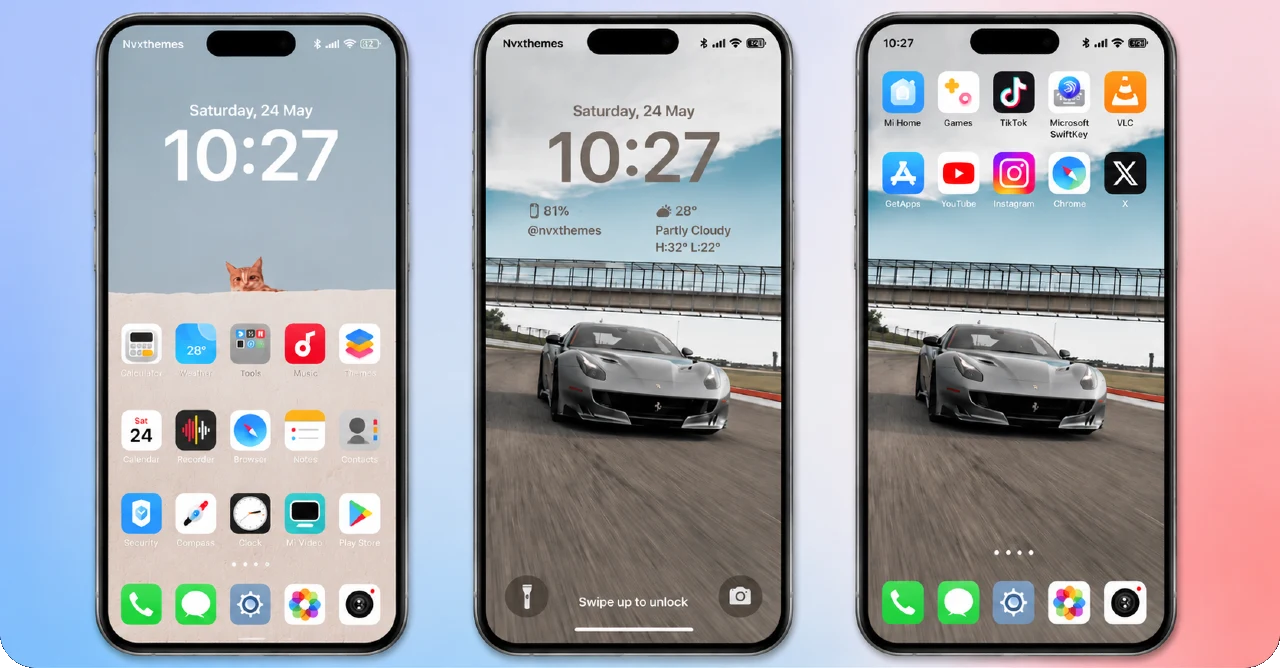
iOS-style Android themes are nothing new, but a lot of them stop at the icon grid and call it done. Using KittyUi v4 Theme HyperOS goes deeper; the status bar, lock screen, and Always-on Display all get pulled into the same Apple-like design language, so the whole phone feels consistent rather than half-converted. Built by NVX Boss and tested across MIUI 12, MIUI 13, and MIUI 14, it’s become a go-to pick for Xiaomi and Redmi users who want that iPhone look without leaving their current setup behind.
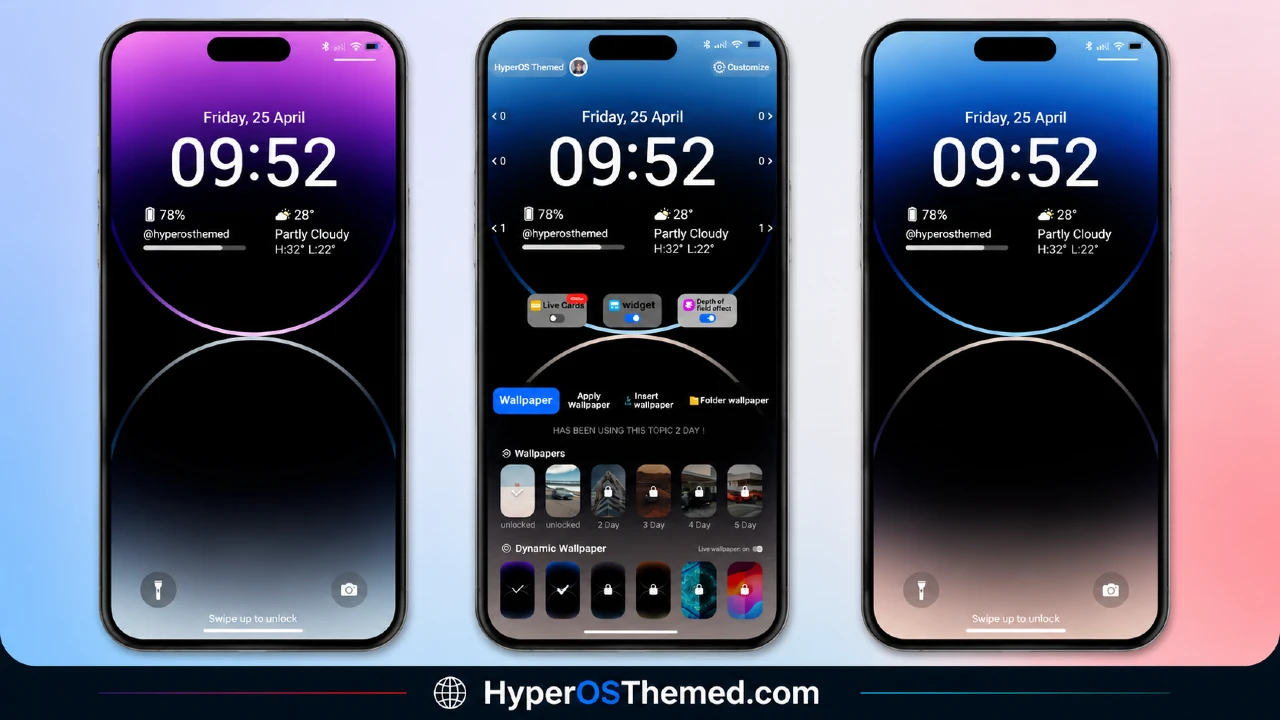
KittyUi v4 Theme Preview
KittyUi v4 Theme Information
| Detail | Info |
|---|---|
| Theme Name | KittyUi v4 Theme (MIUI / HyperOS) |
| File Size | 50.68 MB |
| Created By | NVX Boss |
| Server Region | Global |
| Compatiblity | MIUI 14, MIUI 13, MIUI 12, HyperOS (Less Compatible) |
| Style | Apple, iOS, iPhone-inspired |
| Unlock Password | CAT17 |
What You Get With This Theme
- Apple/iOS-style icon set
- iPhone-inspired wallpapers
- Redesigned status bar to match the iOS look
- iOS-style lock screen
- Stylish Always-on Display
- Free to download and apply, no purchase needed
- Works across Xiaomi, Redmi, and POCO devices
A Quick Note on Credit
KittyUi v4 comes from NVX Themes, and the file includes original design work from the creator — so please don’t extract, re-share, or repackage the theme’s PSD or source files as your own; that crosses into copyright territory the creator takes seriously. For updates, support, or the full picture on this theme, you can follow NVX Themes on Telegram at @nvxthemes or on YouTube at @nvxthemes.
If something looks off right after applying the theme — say the status bar doesn’t update or the lock screen doesn’t kick in, a simple restart almost always sorts it out.
Download the Theme
Installing on Stock HyperOS / MIUI (Official ROM Users)
If your phone is running the official Global Stable build of HyperOS or MIUI, follow these steps:
- Open this page using the Firefox browser on your phone.
- Tap the official Theme Store link in the download section above.
- You’ll land on a Xiaomi theme page written in Chinese, that’s normal. Tap the three dots in the top-right corner and choose “Open in app.”
- This hands off to your Themes Store app, where the download starts automatically.
- Once it finishes downloading, tap Apply.
Heads up: If the Theme Store link doesn’t open properly, try switching to Chrome or your phone’s default Xiaomi browser. Some third-party browsers block this redirect.
Installing via MTZ File (Custom ROM Users)
Running a custom build like Xiaomi.eu, MIUIRoom, or another MIUI/HyperOS-based ROM? Sideload the file manually instead:
- Download the
.mtzfile from the link above (remember the password: CAT17). - Open the Theme Store app and go to the Themes tab.
- Scroll to the bottom and tap Import.
- Select the
.mtzfile you just downloaded. - Tap Apply.
Tip: Restart your phone after applying the theme. If any icon, wallpaper, or lock screen element looks slightly off right after applying, a quick restart almost always fixes it. This theme has been tested and applies cleanly with no reported issues.
Final Thoughts
KittyUi v4 is one of the more convincing iOS-style themes you’ll find for MIUI and HyperOS right now — the icons, lock screen, and status bar all lean into the same Apple-inspired look instead of feeling mismatched. If you’ve always liked the clean look of iOS but prefer Xiaomi’s hardware and software, this is a free, low-effort way to get the best of both. Just keep that CAT17 password handy when you go to unlock the file.
You May Also Like:
- 27OS HyperOS Theme: Best iOS-Inspired Theme For Redmi, Xiaomi Devices
- Senja HyperOS Theme iOS Inspired For POCO, Redmi & Xiaomi Phone
- Super 26 Pro HyperOS Theme for POCO, Redmi and Xiaomi Devices
- Colorful 26 HyperOS Theme With a Genuine Liquid Glass Feel
- Premium Cool HyperOS Theme For POCO, Redmi and Xiaomi Phones
