
Some themes try to do everything at once: wallpapers, animations, seasonal packs, the works. VibrantV HyperOS Theme doesn’t bother with any of that. It’s built around one strong idea: a dark red and black color scheme that looks bold without being loud, paired with a dynamic lock screen that gives your phone a bit of movement. If you’re after a theme that looks deliberate rather than default, this one’s worth the download.
What Makes VibrantV HyperOS Theme Stand Out
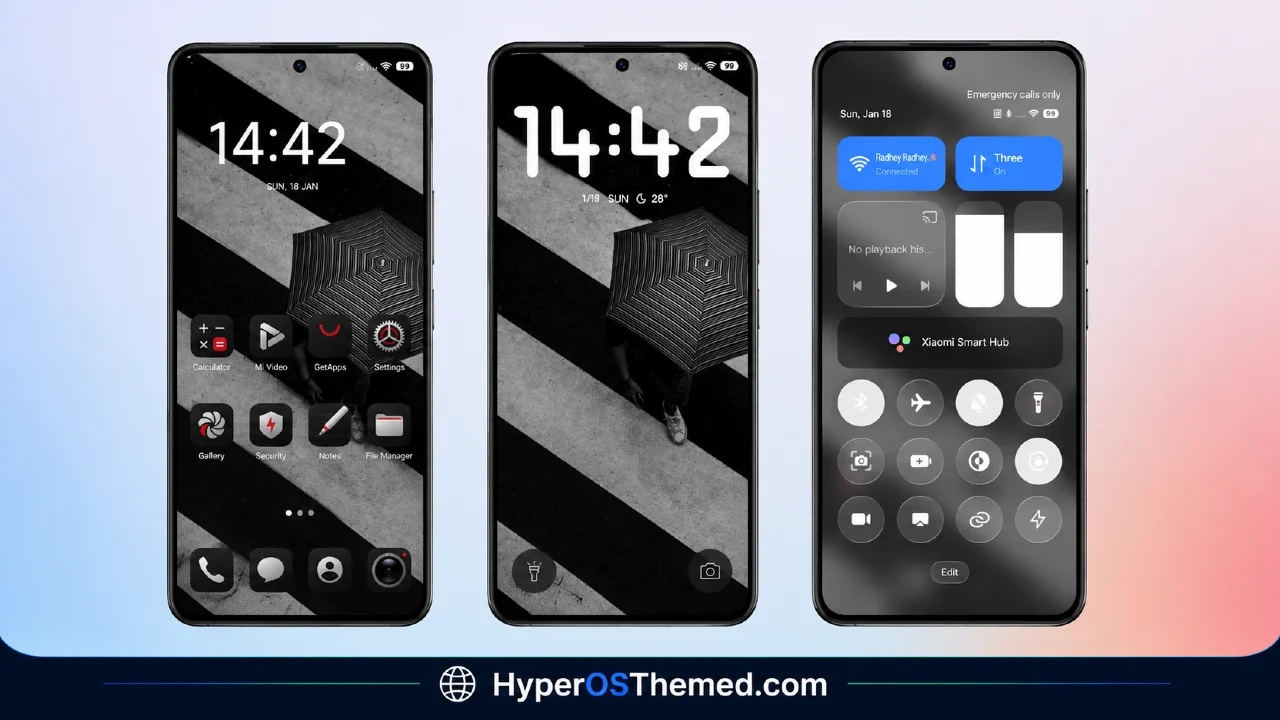
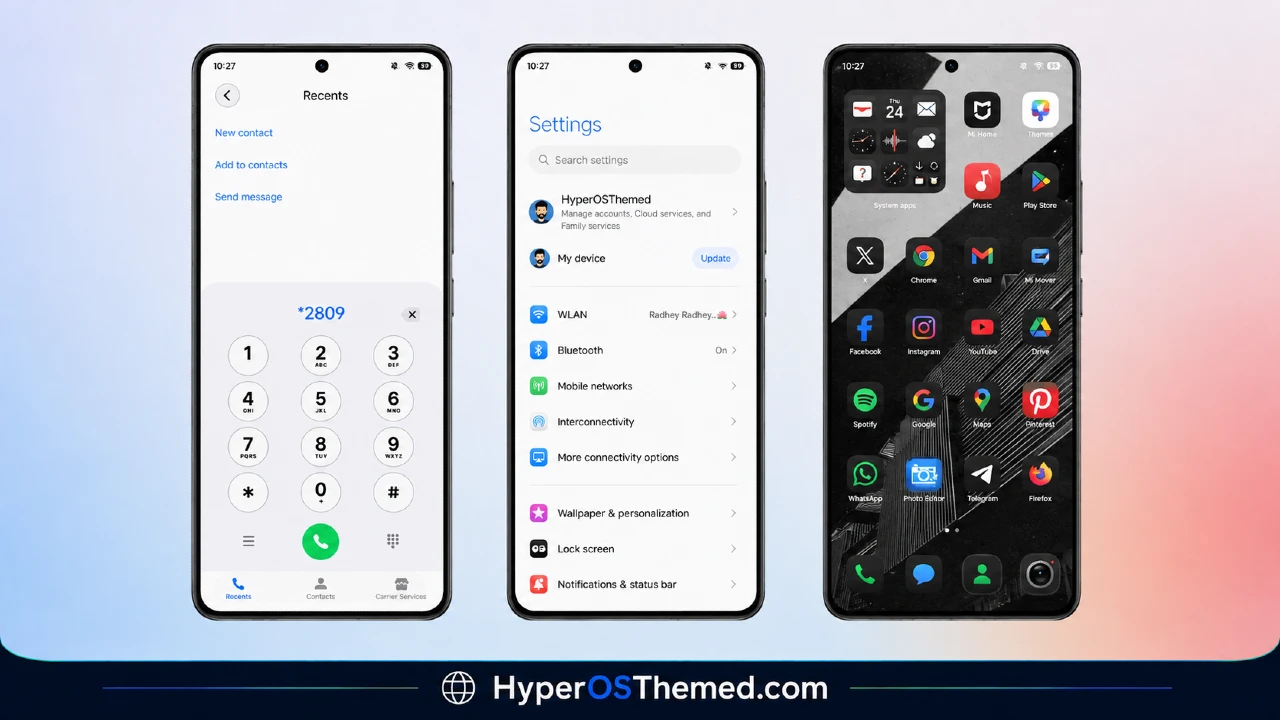
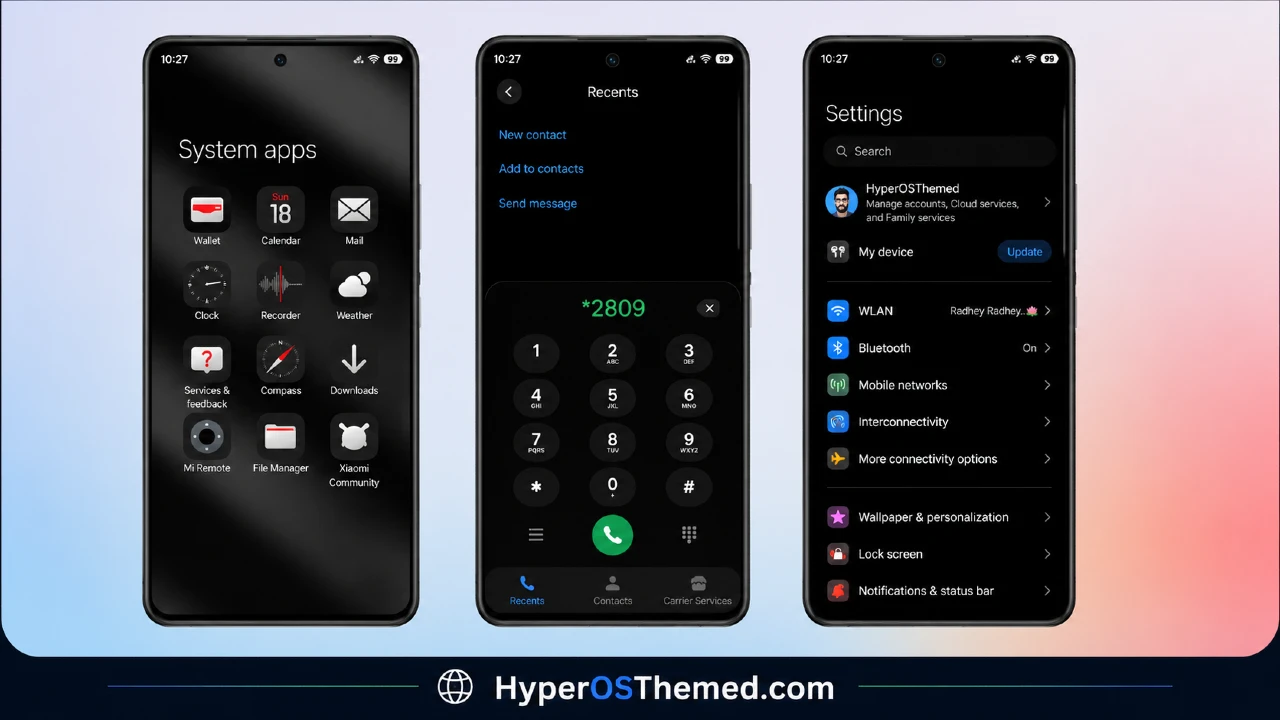
The name gives it away a little; this theme leans into deep reds against a near-black base, which ends up looking sharper on an AMOLED screen than most bright, pastel theme packs ever do. VK, the designer behind it, kept the whole package tight at just 40 MB, and every part of the UI that shows on screen daily- icons, status bar, lock screen, and Always-on Display- gets pulled into that same dark red palette so nothing feels out of place.
VibrantV HyperOS Theme Preview
What You Get With This Theme
- Dark red and black color scheme throughout
- Dynamic lock screen with a bit of motion
- Redesigned status bar
- Stylish Always-on Display
- Matching icon set and wallpaper
- Completely free — no purchase required
- Works across Xiaomi, Redmi, and POCO devices on HyperOS
VibrantV HyperOS Theme Information
| Detail | Info |
|---|---|
| Theme Name | VibrantV HyperOS Theme |
| File Size | 40.10 MB |
| Created By | VK |
| Server Region | Global |
| Compatiblity | HyperOS, HyperOS 2.0 |
| Style | Dark, Red, Black, Dynamic Lock Screen |
Get the Theme
Installing on Stock HyperOS / MIUI (Official ROM Users)
If your phone is running the official Global Stable build of HyperOS or MIUI, follow these steps:
- Open this page using the Firefox browser on your phone.
- Tap the official Theme Store link in the download section above.
- You’ll land on a Xiaomi theme page written in Chinese — that’s normal. Tap the three dots in the top-right corner and choose “Open in app.”
- This hands off to your Themes Store app, where the download starts automatically.
- Once it finishes downloading, tap Apply.
Heads up: If the Theme Store link doesn’t open properly, try switching to Chrome or your phone’s default Xiaomi browser. Some third-party browsers block this redirect.
Installing via MTZ File (Custom ROM Users)
Running a custom build like Xiaomi.eu, MIUIRoom, or another MIUI/HyperOS-based ROM? Sideload the file manually instead:
- Download the
.mtzfile from the link above. - Open the Theme Store app and go to the Themes tab.
- Scroll to the bottom and tap Import.
- Select the
.mtzfile you just downloaded. - Tap Apply.
Tip: Restart your phone after applying the theme. If any icon, wallpaper, or lock screen element looks slightly off right after applying, a quick restart almost always fixes it. This theme has been tested and applies cleanly with no reported issues.
Final Thoughts
The VibrantV HyperOS Theme is a good fit if your usual taste leans darker and bolder rather than bright and busy. The red-on-black styling holds up well across icons, lock screen, and AOD, and the dynamic lock screen adds just enough movement to keep things interesting without going overboard. It’s free, it’s a light download, and it’s an easy way to give your Xiaomi, Redmi, or POCO phone a genuinely different look.
You may also like:
- Liquid Beauty iOS 26 HyperOS Theme: Premium Apple-Inspired Theme
- OX B1 HyperOS Theme with Premium Blue Glass Theme For Xiaomi, POCO & Redmi
- Poi Poi MIUI Theme HyperOS with 3D Effects, Dozen Customization Sliders & More
- Latest Breaking_V9 HyperOS Theme For Redmi, POCO And Xiaomi Phones
- Best HyperUI V4 HyperOS Theme For Poco, Redmi and Xiaomi Devices
