
Crypto-themed phone customization usually means stock coin logos slapped onto a wallpaper, but Bitcoin HyperOS Theme takes a different route, wrapping the crypto branding in a playful cartoon style with genuine 3D Depth of Field wallpapers rather than a flat, literal design. Designed by mydul, it’s a fairly substantial download at 59.97 MB, built for Xiaomi, Redmi and POCO devices running HyperOS or HyperOS 2.0.
Bitcoin HyperOS Theme Features
- Cartoon-Style Visual Identity: Rather than a serious, corporate crypto aesthetic, Bitcoin HyperOS Theme leans into a playful, cartoon-inspired look across its wallpapers and icons. That choice gives it a friendlier, more approachable feel than the sleek fintech branding most Bitcoin-themed products go for.
- 3D Depth of Field Wallpapers: The wallpaper collection uses a genuine Depth of Field rendering technique, creating layered separation between foreground and background elements. Paired with the cartoon styling, it gives the whole visual package more dimension than a flat illustrated wallpaper would manage on its own.
- Premium Wallpaper Collection: Beyond the depth-effect showcase pieces, there’s a broader set of wallpapers included that match the same cartoon-meets-crypto aesthetic. Having this variety built in means less need to hunt down a separate wallpaper pack.
- Community-Driven Icon Requests: The designer specifically invites users to join their Telegram community to request custom icons built to individual preference. That’s a genuinely uncommon offering, most theme designers ship a fixed icon set and that’s the end of it.
- Reasonably Sized for the Detail Included: At 59.97 MB, it’s on the heavier side, which tracks with the combination of cartoon illustration work and Depth of Field rendering packed into the wallpapers. Worth keeping in mind if you’re on limited storage or a slower connection.
- Dual HyperOS Version Support: Bitcoin HyperOS Theme covers both HyperOS and HyperOS 2.0, giving it a bit more reach than themes locked strictly to one release. It doesn’t currently extend to HyperOS 3.0, so that’s worth checking against your device before downloading.
Bitcoin HyperOS Theme Preview
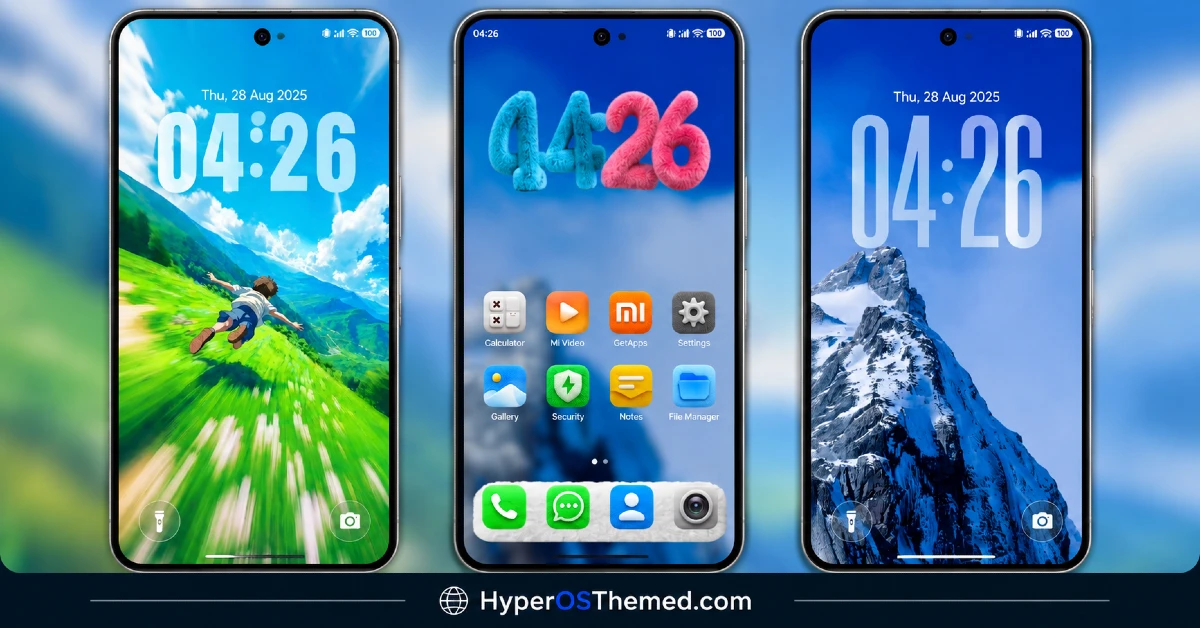
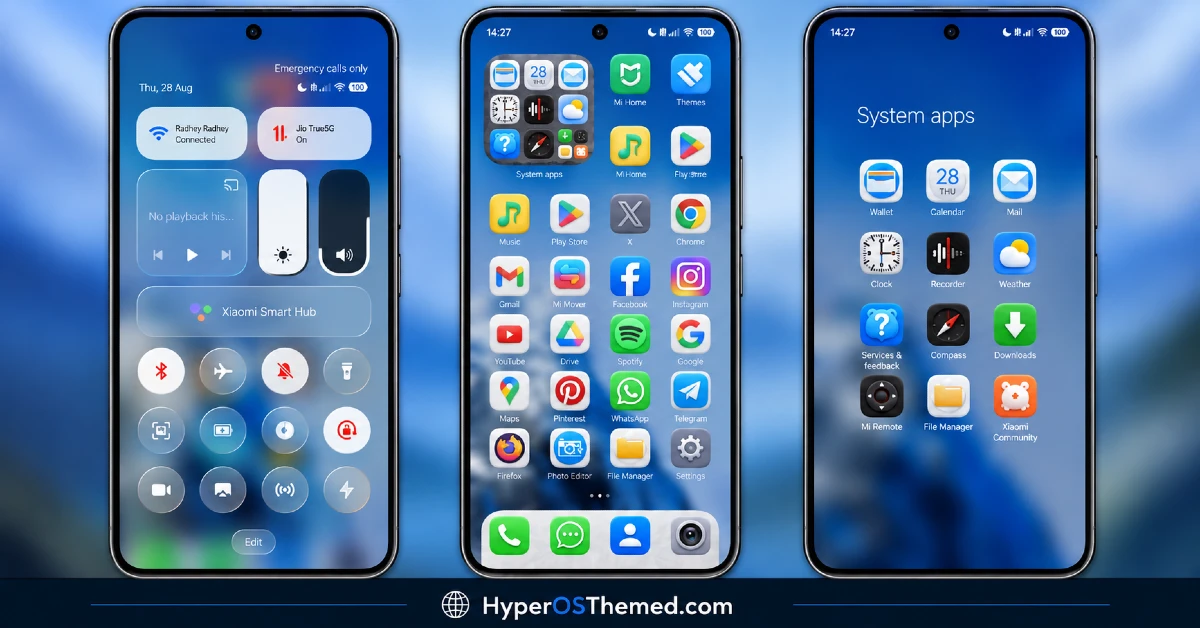
The screenshots below show the cartoon-style Bitcoin HyperOS Theme Xiaomi wallpapers, the Depth of Field effect and how the overall icon design looks once the theme is applied. Since the cartoon and depth-effect combination is a bit unusual, it’s worth looking closely at the preview to see how the two styles work together.
Bitcoin Theme Details
| Attribute | Details |
|---|---|
| Availability | Free, via Xiaomi Theme Store |
| Supported Devices | Xiaomi, Redmi and POCO phones running HyperOS |
| Theme Name | Bitcoin |
| Designer | mydul |
| Region | Global |
| Compatibility OS | HyperOS and HyperOS 2.0 |
| Features | Cartoon visual style, 3D Depth of Field wallpapers, premium wallpaper collection |
| File Size | 59.97 MB |
Bitcoin Theme Compatibility
Bitcoin supports HyperOS and HyperOS 2.0 across Xiaomi, Redmi and POCO devices, though it doesn’t currently list official support for HyperOS 3.0. Since the theme relies on Depth of Field rendering for its wallpapers, older or lower-powered devices may display the layered effect with somewhat less sharpness compared to current flagship hardware.
Custom ROM users on setups like Xiaomi EU ROM or MIUIRoom can still install the theme manually through the MTZ file, and given the larger file size, it’s worth confirming there’s enough storage available before downloading.
Get Bitcoin HyperOS Theme
Download Bitcoin HyperOS Theme Xiaomi only through the official Theme Store link rather than random third-party file hosts or unofficial APK uploads. Files sourced outside verified channels are difficult to confirm as unaltered and may not reflect what mydul actually released. Sticking to the official Theme Store link keeps the installed version consistent with the intended design and ensures any future updates remain accessible.
A note from the designer: if you’d like icons customized specifically to your own taste, mydul runs an active Telegram community where users can request custom icon designs directly rather than being limited to the default set included in the theme. It’s also where updates and future theme releases tend to get shared first.
How to Apply Bitcoin HyperOS Theme
Follow the steps below to apply the theme:
- Open the Theme Store link given above on your Xiaomi, Redmi or POCO device.
- This will redirect you to the Theme Store.
- Download and install the theme.
- Tap on Apply.
- Customize specific elements such as icons, lock screen or status bar if needed.
- Reboot your device for the full effect, though this step is optional.
Note: If the Official Theme Store link doesn’t open properly, try switching to Chrome or your device’s default Xiaomi browser, since other browsers have been reported not to work reliably with this link. If anything looks overlapped or fails to display correctly right after installing, restarting the device usually clears it up. Still, if something looks off on a specific device once it’s applied, reaching out through the designer’s Telegram community or leaving a comment with the details helps get it looked into.
Installing Bitcoin HyperOS Theme on Custom ROM Devices
Devices running MIUI 11 through 14 or HyperOS based Custom ROMs such as Xiaomi EU ROM or MIUIRoom aren’t able to use the direct Theme Store link, so the MTZ file needs to be brought in manually instead. Here’s how that works:
- Grab the MTZ file for Bitcoin from the download section.
- Open the Theme Store app.
- Go into the Themes tab.
- Scroll down to find the Import option, then tap it.
- Use the file manager to locate the downloaded .mtz file.
- Wait for the import process to finish.
- Tap the theme once it appears in the list to apply it.
Why Choose Bitcoin HyperOS Theme?
- Distinctive cartoon-crypto aesthetic — a playful take that avoids the usual sleek fintech branding.
- Genuine 3D Depth of Field — wallpapers have real layered dimension, not just a flat illustration.
- Custom icon requests available — a rare offer to build icons to individual preference via Telegram.
- Broad wallpaper variety — a full collection beyond just the showcase depth-effect pieces.
- Dual HyperOS support — works across both HyperOS and HyperOS 2.0.
- Active designer community — direct access to mydul for icon requests and support.
- Free official download — no cost involved through a legitimate Theme Store link.
Conclusion
Bitcoin sidesteps the predictable crypto-theme playbook by leaning into cartoon illustration and genuine Depth of Field rendering instead of stock coin graphics, and the option to request custom icons directly from the designer is a nice touch most themes don’t offer. The larger file size is a fair trade for the level of detail packed into the wallpapers. For Xiaomi, Redmi and POCO users who want a playful, crypto-inspired look with room for personal customization, Bitcoin is well worth trying.
You may also like:
LTC HyperOS Theme – Depth Effect Lock Screen for Xiaomi, POCO, Redmi
OX GR4 HyperOS Theme for Xiaomi, POCO, Redmi
OX F3 HyperOS Theme with Cartoon One UI Style with Dynamic Lock Screen for Xiaomi, POCO, Redmi
Crimson Obsidian HyperOS Theme with Luxury Black & Red Light Streaks for Xiaomi, POCO, Redmi
OX Colours HyperOS Theme – Vibrant Customizable Wallpapers for Xiaomi, POCO, Redmi
