
Some themes ask for two minutes of your attention, a quick download and apply, done. Voidfall isn’t quite that simple, and honestly, that’s part of what makes it interesting. Designed by ELEVEN, this one rewards a bit of patience during setup with a genuinely thorough, well executed redesign across your entire phone.
What Makes Voidfall HyperOS Theme Best
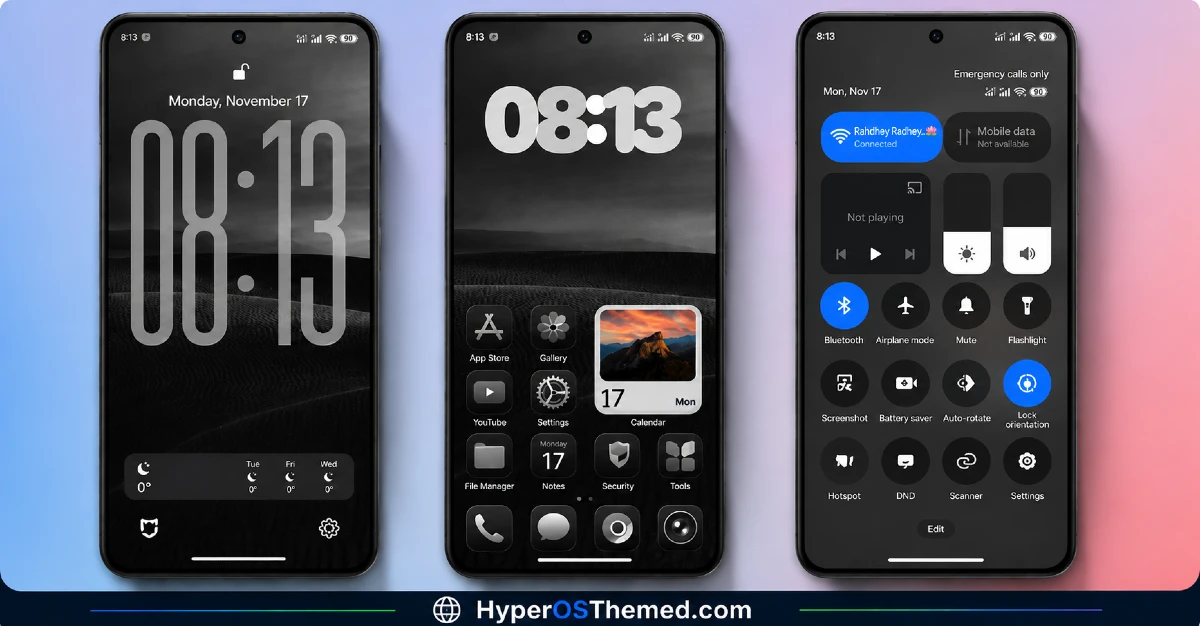
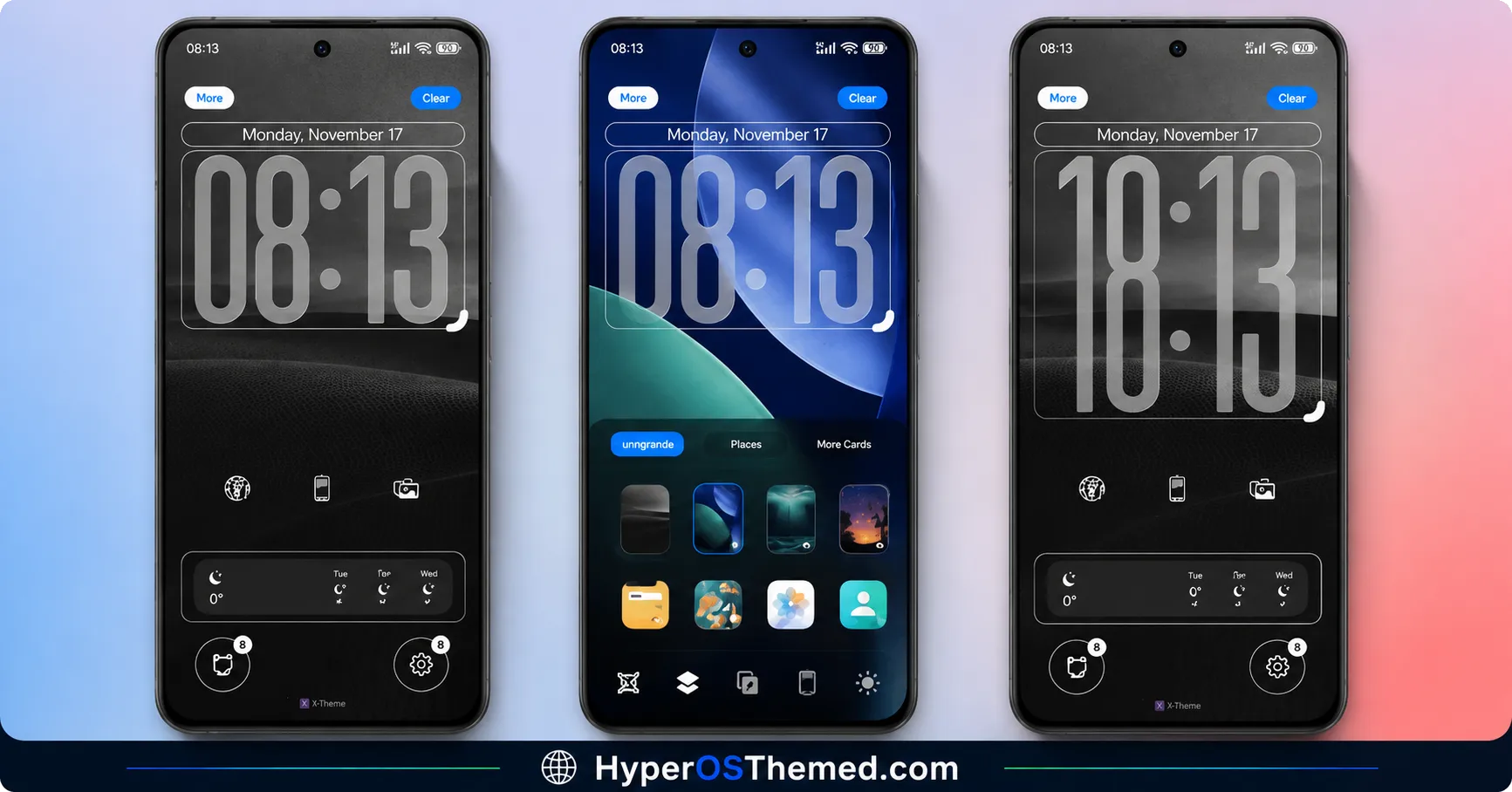
Where a lot of themes touch the home screen and call it done, Voidfall HyperOS Theme reaches into nearly every corner of your device. The lock screen gets a proper animated redesign with actual shortcuts built in, music controls, flashlight, notifications, all accessible without unlocking your phone first. It’s a small convenience that makes a real difference once you’re used to it.
The Control Center has been modified too, redesigned toggles paired with smooth animations for things like brightness and Wi-Fi. Nothing feels like a recolored default here, it genuinely feels reworked.
- Custom animated lock screen — with built-in shortcuts for music, flashlight, and notifications
- Redesigned Control Center — smoother toggles and animations throughout
- Uniform, flat-style icon set — consistent design language across your whole home screen
- Minimalist Dialer and Messaging UI — with proper dark and light mode compatibility
- Reskinned system apps — Settings, File Manager, and Calculator all match the overall theme tone
- Fluid system-wide animations — smooth scrolling and subtle transitions that make the whole phone feel more polished
Voidfall HyperOS Theme preview
Voidfall HyperOS Theme Compatibility
Voidfall is built for HyperOS and HyperOS 2 or later, and covers Xiaomi, Redmi, and POCO devices. Worth noting, there’s also a paid Telegram channel offering global compatibility access and theme updates, useful if you want broader device support or want to stay ahead of new releases from ELEVEN.
Voidfall HyperOS Theme Theme Details
| Detail | Info |
|---|---|
| Theme Name | Voidfall |
| Designer | ELEVEN |
| Region | Global |
| Compatibility | HyperOS, HyperOS 2 or later |
| Supported Devices | Xiaomi, Redmi, POCO |
Getting the Theme
Installing Voidfall HyperOS Theme on Global Stable ROM
If your device is running the standard HyperOS or MIUI Global stable build, here’s how to install it:
- Open this page using the Firefox browser, since it handles the redirect best.
- Tap the Official Theme Store Link above.
- The page will open in Chinese, which is expected. Tap the three dots in the top right corner and select “Open in app.”
- This opens the Theme Store app, where the download will begin.
- Once it’s downloaded, tap Apply.
If the Official Theme Store Link doesn’t open properly, switch to Chrome or your phone’s default browser. Some third party browsers don’t handle this redirect correctly.
Installing Voidfall HyperOS Theme on Custom ROMs
Running a custom build like Xiaomi.eu, MIUIRoom, or similar? Here’s the manual install method using the mtz file:
- Download the Liquid 26 mtz file from the link above.
- Open the Theme Store app and go to the Themes section.
- Scroll to the bottom and tap Import.
- Select the downloaded mtz file.
- Tap Apply.
One thing worth remembering: restart your device if anything looks slightly off after applying. A quick reboot usually clears it up right away. I tested this theme myself, and it ran smoothly with no issues at all.
Final Thoughts
Voidfall isn’t a theme you rush through installing, and honestly, it doesn’t need to be. The custom lock screen shortcuts, the reworked Control Center, and that consistent reskin across your Dialer, Messaging, and system apps add up to a genuinely complete transformation rather than a surface level touch-up. If you’re willing to spend a few extra minutes in the Customise menu to get everything applied properly, ELEVEN’s work here pays off. Give it a try and see how it feels on your own device.
You May Also Like:
