
Every so often, a theme comes through with its own little regional flavor attached, and I always find that kind of thing interesting. Luci77V15 HyperOS Theme is one of those, put together by DwPlay77, a designer running a Xiaomi customization community out of Brazil. Once I gave it a proper look, I understood exactly why it’s worth sharing here too.
Luci77V15 HyperOS Theme Features
This one leans fully into a dark aesthetic. Black tones dominate the interface, paired with wallpapers that carry that same moody, low light feel throughout. Nothing about it feels half done, the icons, lock screen, and status bar all follow the same visual direction, so switching between apps and menus doesn’t feel jarring or inconsistent.
The dynamic lock screen is a nice addition here too. Instead of a flat, static image sitting behind your clock every time you glance at your phone, there’s a bit of motion and life built in, which makes the whole experience feel a little more premium than your average dark theme.
If you’ve been wanting a clean, all black look for your Xiaomi, Redmi, or POCO device without it feeling generic, Luci77V15 handles that well.
Unlike most themes on the site, this one comes with a password requirement: BRASIL. It’s a small extra step compared to a straightforward install, but nothing complicated, you’ll just need to enter it during the setup process, so keep that in mind before you get started.
The designer also runs a Telegram channel dedicated to Xiaomi customization for the Brazilian community, worth a follow if you want to see more of their work or catch future theme releases early
Luci77V15 HyperOS Theme Preview
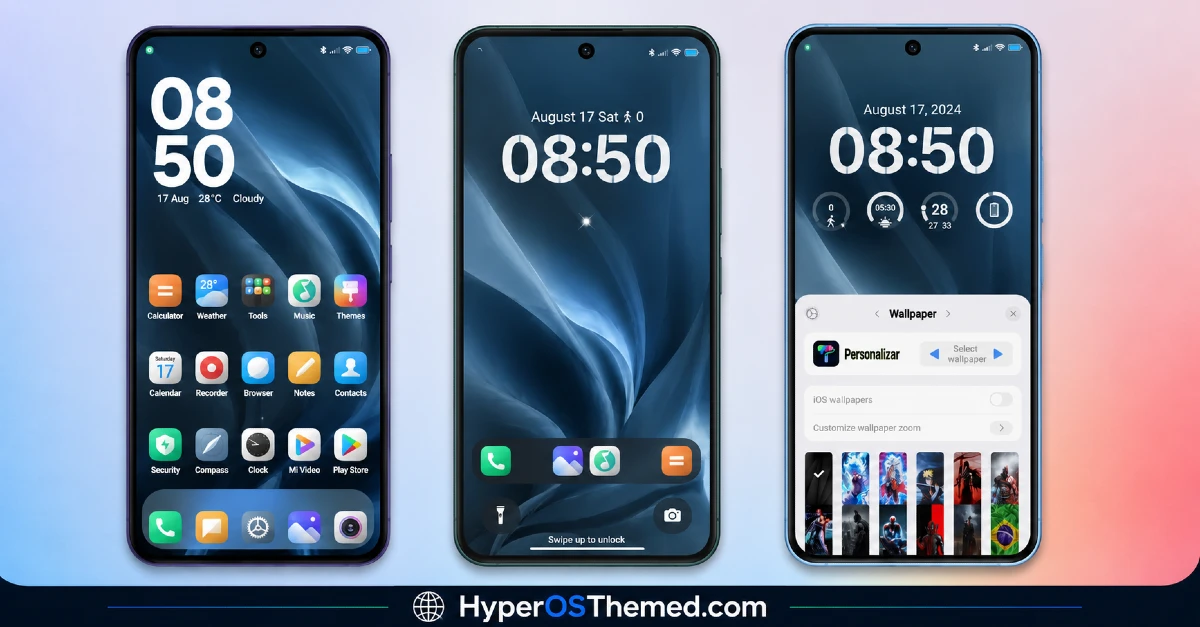
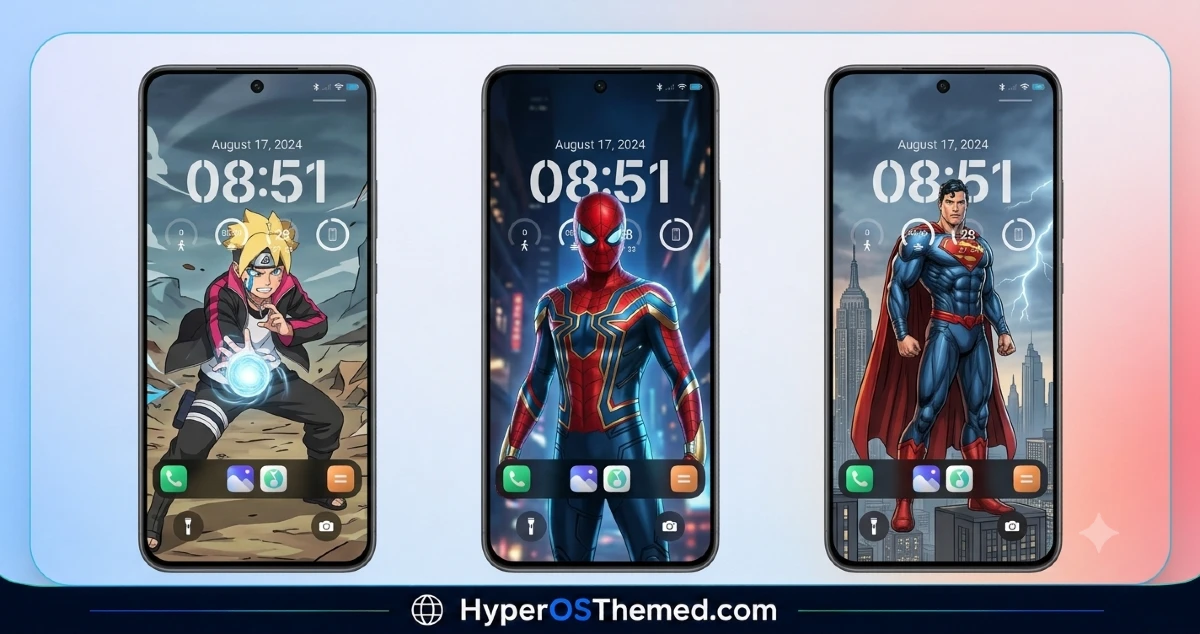
Luci77V15 HyperOS Theme Details
| Detail | Info |
|---|---|
| Theme Name | Luci77V15 |
| File Size | 25.97 MB |
| Designer | DwPlay77 |
| Region/Server | Global |
| Compatibility | HyperOS |
| Features | Dynamic Lock Screen, Dark UI, Custom Wallpapers, Black Theme |
| Password | BRASIL |
Getting the Theme
Installing on Global Stable ROM
If your device is running the standard HyperOS or MIUI Global stable build, here’s how to install it:
- Open this page using the Firefox browser, since it handles the redirect best.
- Tap the Official Theme Store Link above.
- The page will open in Chinese, which is expected. Tap the three dots in the top right corner and select “Open in app.”
- This opens the Theme Store app, where the download will begin.
- Once it’s downloaded, tap Apply.
If the Official Theme Store Link doesn’t open properly, switch to Chrome or your phone’s default browser. Some third party browsers don’t handle this redirect correctly.
One thing worth remembering: restart your device if anything looks slightly off after applying. A quick reboot usually clears it up right away. I tested this theme myself, and it ran cleanly without any issues.
Final Thoughts
Luci77V15 is a well made dark theme with just enough personality, and a bit of regional character, to stand out from the usual black on black releases. If you don’t mind the small extra step of entering a password during setup, it’s absolutely worth adding to your phone. Give it a try and let me know how it turns out for you.
You may also like:
