
Hey everyone, hope you’re having a good one! Today I want to talk about a theme I’ve had on my own phone for a few days now, it’s simply called iOS Style HyperOS theme Black, and it’s one of the cleaner iOS-inspired themes I’ve tried on HyperOS recently.
If you’re someone who likes that sleek, dark, minimal iPhone look but you’re not about to switch ecosystems just for it, this theme is basically the shortcut.
What I Noticed First in iOS Style HyperOS theme Black
The thing that stood out to me right away was the depth effect on the wallpapers. Black uses a 3D depth-of-field style, so as you swipe between home screens or unlock your phone, there’s this subtle parallax feel. It’s a small detail, but it makes the whole interface feel a bit more alive instead of flat and static.
Beyond that, the icon set is exactly what you’d expect from a good iOS-style theme: rounded, uniform, and clean, with none of that mismatched look you sometimes get when themes mix icon packs from different sources. The status bar and lock screen have also been redesigned to match, so it doesn’t feel like only half the phone got the makeover; it’s consistent from top to bottom.
The Always-on Display is handled nicely too. It’s sharp without being distracting, which matters more than people realise, a bad AOD design either drains your battery or just looks cluttered every time you glance at your screen.
iOS Style HyperOS theme Black Preview
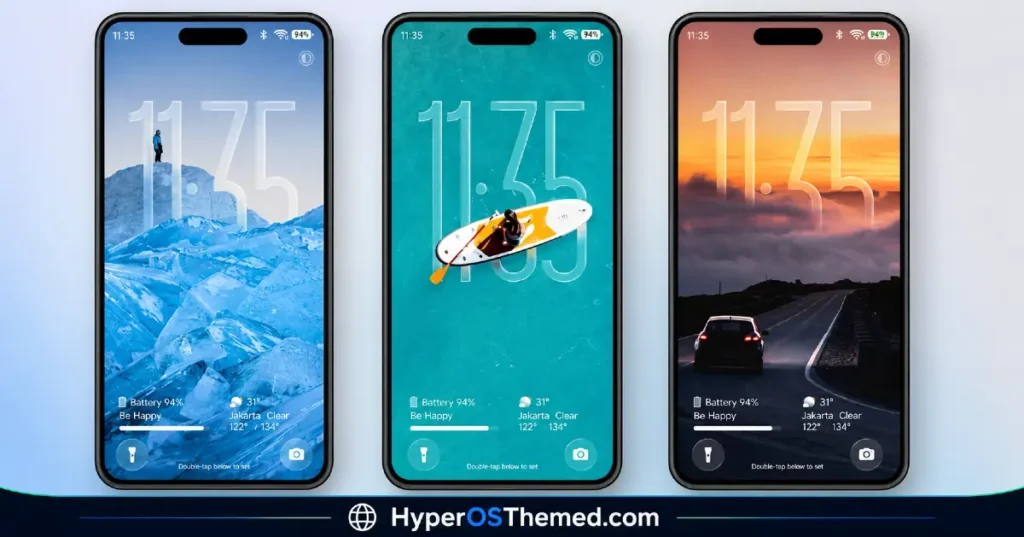
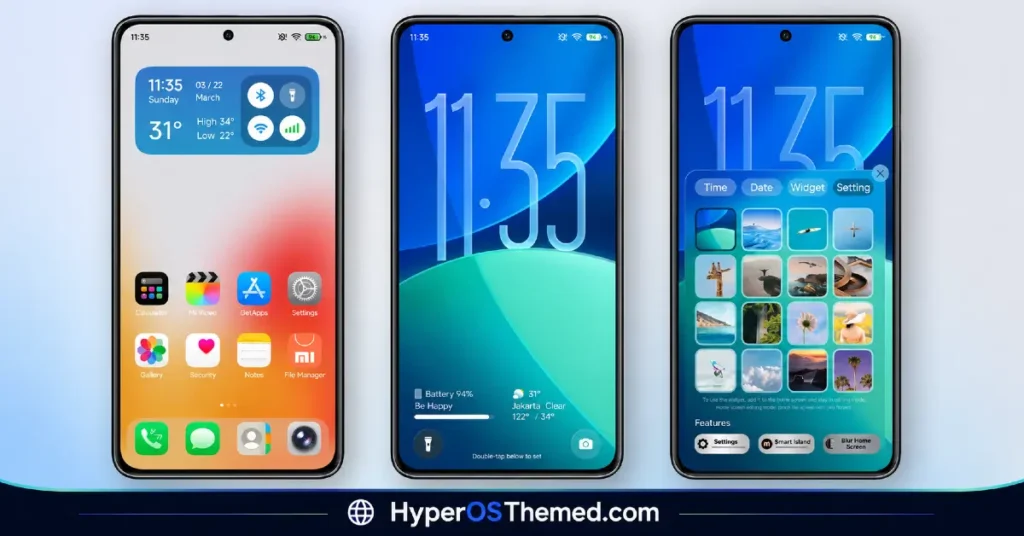
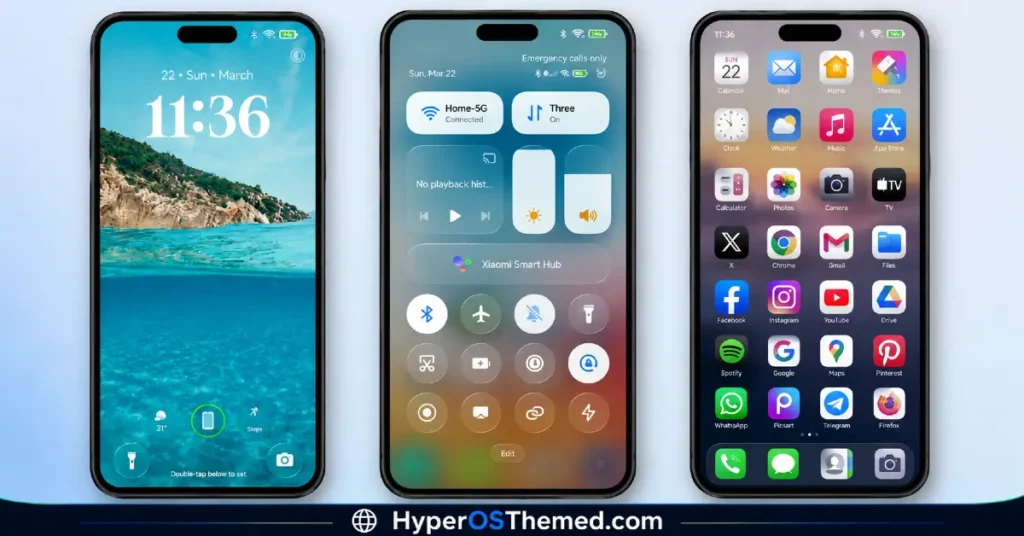
Why I’d Recommend iOS Style HyperOS theme Black
Honestly, if dark themes are your thing, Black is one of the better executions I’ve come across. It’s not just a black wallpaper slapped on top of stock icons, every part of the interface feels considered. And since it’s completely free, there’s really no downside to giving it a shot and seeing if it fits your taste.
Works across Xiaomi, Redmi, and POCO devices, so most of you reading this should be able to try it without issue.
Black Theme Details
| Detail | Info |
|---|---|
| Theme Name | Black |
| File Size | 45.29 MB |
| File Format | .mtz |
| Designer | Masuod.B |
| Region/Server | Global |
| Compatibility | HyperOS, HyperOS 2.0, HyperOS 3.0 |
| Style | iOS-Inspired |
| Features | 3D Depth of Field, Custom Wallpapers, Dynamic Color |
| Black HyperOS Theme | Official Theme Store Link |
You might also like: Best HyperUI V4 HyperOS Theme For Poco, Redmi and Xiaomi Devices
How to Apply HyperOS & MIUI Themes (Stock ROM)
If your device is running the official HyperOS or MIUI Global Stable ROM, here’s how to get this installed:
- Open this page using the Firefox browser, it handles the theme store redirect best.
- Tap the Official Theme Store Link above.
- The page will open in Chinese; that’s normal. Tap the 3 dots in the top-right corner and select “Open in app.”
- This launches the Theme Store app, where the download will begin.
- Once downloaded, tap Apply.
Tip: Restart your device if anything looks overlapped or glitchy after applying, a quick reboot usually clears it up instantly. I tested this one myself and it ran smoothly with zero issues.
You might also like: Blackess Pro iOS Style Theme for HyperOS with Dynamic Island
