
A subreddit thread comparing Pixel-style Android skins is where I first saw Bianselong HyperOS theme mentioned, with someone claiming it was the closest thing to Pixel UI you could get on a Xiaomi phone without flashing a custom ROM.
I was skeptical since I’d tried at least two other “Pixel Style” HyperOS themes that barely resembled stock Android beyond the wallpaper. I downloaded it onto my Redmi Note 13 Pro and used it for eleven days to see if this one actually delivered on that comparison.
Also Check: Wanyoui HyperOS Theme Review Xiaomi, POCO & Redmi
Bianselong HyperOS Theme Features
Blue and Purple Gradient Wallpapers
The included wallpapers use flowing electric blue and purple gradients rather than a static image, giving the lock and home screens a liquid, ambient look. I found myself actually switching between the variants included in the pack rather than sticking to just one, which isn’t something I usually do with theme wallpapers.
High-Contrast Digital Clock Widget
The lock screen clock is large, clean, and genuinely easy to read even in direct sunlight on my Redmi’s display. It floats over the gradient background without looking cluttered, which is harder to pull off than it sounds.
Tappable Lock Screen Customization
Tapping the lower white bar on the lock screen opens a configuration menu, and tapping the upper right corner lets you adjust the clock widget directly. This built-in customization option is more than most free themes offer, and I used it to switch between two clock styles over the test period.
Circular Vector Icon Pack
The icons are sharp, circular, and clearly built to mirror Material Design standards rather than being a generic rounded-square set. Coverage felt strong across my most used apps, though as usual a couple of niche apps kept their default look.
Translucent Indigo Control Center
The control center panel uses a semi-transparent indigo tint instead of plain white or black, tying back into the overall color scheme. It stayed responsive with no lag when toggling settings quickly, which I specifically tested by rapid-tapping Wi-Fi and Bluetooth a few times.
Decluttered White System Menus
Settings and other system menus switch to a clean white layout with minimal visual noise, contrasting against the darker lock screen elements. It’s a deliberate light and dark mix rather than a fully uniform theme, which took a day or two to get used to.
Bianselong HyperOS theme Preview
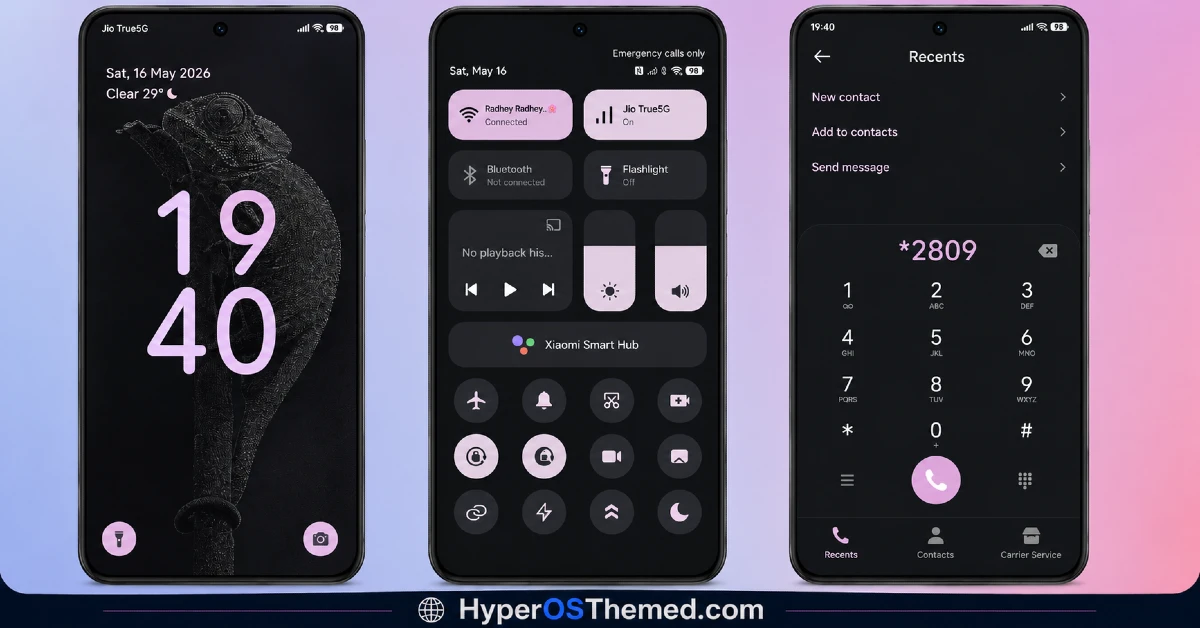
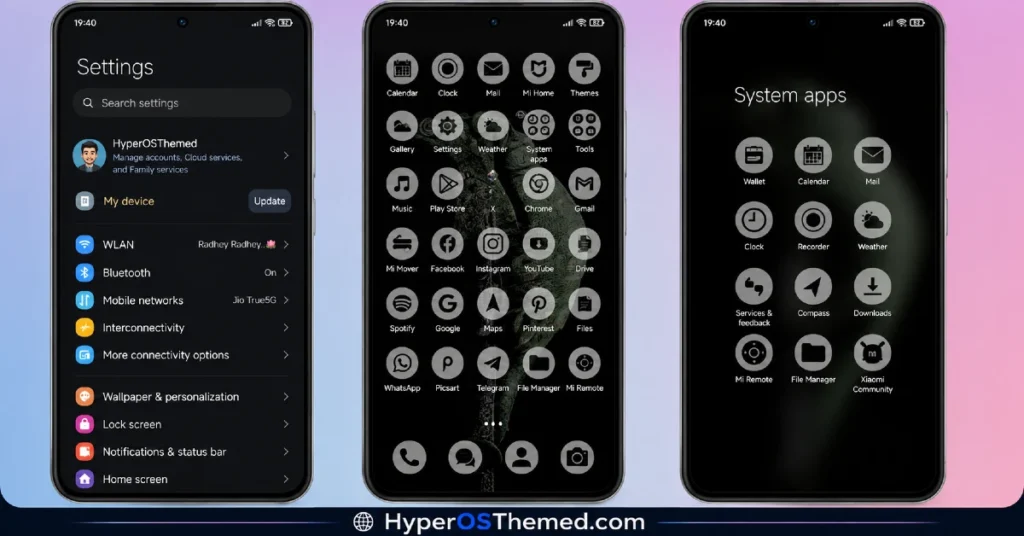
The visual identity centers on flowing blue and purple gradients that give the lock screen a liquid, almost aurora-like quality, paired with a bold digital clock that stays legible against the color movement.
The home screen shifts to sharp circular icons on a lighter backdrop, echoing Pixel’s Material Design language rather than a generic icon pack. It’s a theme that mixes a colorful, artistic lock screen with a comparatively restrained, functional home screen, which gives it a bit more visual range than most single-mood themes.
Bianselong HyperOS theme Details
| Detail | Info |
|---|---|
| Theme Name | Bianselong |
| Designer | BoZinsky |
| Compatibility | HyperOS, HyperOS 2.0, HyperOS 3.0 |
| Features | Pixel Style, Blue, Purple, Circular Icons |
| File Size | 50.05 MB |
Bianselong HyperOS theme Performance
I ran Bianselong HyperOS Theme on a Redmi Note 13 Pro on HyperOS 3.0 for eleven days, through daily use including gaming, video calls, and regular app switching. Given the 50 MB file size and the gradient animations on the lock screen, I expected at least some lag, but transitions stayed smooth throughout testing.
Battery drain came in about 3 percent higher than my stock baseline over a full day, which lines up with the animated gradient background running constantly. The one hiccup I ran into was the lock screen configuration menu occasionally taking two taps to open instead of one, though it never failed outright.
Bianselong HyperOS theme Compatibility
Bianselong HyperOS theme is primarily built for HyperOS 3.0 according to the designer’s own notes, though it lists compatibility with HyperOS and HyperOS 2.0 as well and may work with some variation across versions. I tested it specifically on a Redmi Note 13 Pro running HyperOS 3.0 and had no major issues beyond the minor tap delay mentioned above.
Devices on HyperOS or HyperOS 2.0 should still expect most features to work, though the designer’s own phrasing suggests results can vary slightly on non-HyperOS 3.0 builds. It is not intended for MIUI 12, 13, or 14, and custom ROM users on Xiaomi.eu or similar builds should import the MTZ file expecting a longer setup process given the file size and gradient animation work involved.
Designer’s note: “HyperOS3 theme (may works on different version..) Dark mode and some basic elements for light mode too. This theme changes… everything! Configure lockscreen by tapping on lower white bar. Configure clock widget by tapping on right upper corner. Enjoy! BoZinsky”
Get Bianselong HyperOS theme
Download Bianselong through the official Xiaomi Theme Store link rather than third-party file hosting sites or unofficial APKs claiming to offer the same package. Given the file size and the amount of customization built into this theme, downloading from unverified sources risks getting an incomplete or tampered file, so the official Theme Store route is the safer choice.
Note: If the Official Theme Store Link doesn’t redirect properly, try opening the page in Chrome or the default Xiaomi browser, since other browsers may not handle the redirect correctly.
How to Apply Bianselong HyperOS theme
Follow the steps below to apply the theme:
- Open the Theme Store Link given above on your Xiaomi / REDMI / POCO device
- This will redirect you to Theme Store.
- Download and install the theme
- Tap on Apply
- Customize specific elements (icons, lock screen, status bar) if needed
- Reboot your device (optional for full effect)
Why Choose Bianselong HyperOS Theme?
- Built-in tap-to-configure options for the lock screen and clock widget go beyond what most free themes offer
- Circular vector icons genuinely resemble Material Design rather than a generic rounded icon pack
- Gradient wallpapers add movement and color without sacrificing lock screen legibility
- Mixing a colorful lock screen with a clean white system menu gives it more visual range than single-mood themes
- Actively credited and maintained by a known designer with a track record on the platform
Conclusion
After eleven days on my Redmi Note 13 Pro, Bianselong HyperOS theme came closer to that Pixel comparison than the other Pixel-style themes I’ve tried, mostly thanks to the icon pack and the tap-to-configure lock screen options.
The occasional double-tap needed to open the configuration menu was a minor irritation, and the battery hit, while small, was noticeable next to lighter themes. Compared to other colorful gradient themes I’ve used, though, this one balances style and function better than most. If you want a theme with real customization built in rather than just a fixed look, it’s one of the stronger picks available right now.
