
Looking to give your Xiaomi, Redmi or POCO smartphone a fresh interface? The K-C Material HyperOS Theme, designed by Oxfury 0.2, is an option for users who appreciate Material-style icon designs and a clean, modern look. Compatible with HyperOS 3.0, it offers another way to personalise your phone through Xiaomi’s built-in Themes app.
Material-inspired designs are popular for their distinctive icon shapes, consistent visual language and contemporary appearance. If you enjoy customising your home screen and exploring alternatives to the default HyperOS interface, K-C Material is worth checking out. You can preview the theme before applying it to see how its design fits your preferences.
The theme is designed for compatible Xiaomi, Redmi and POCO smartphones running HyperOS 3.0. You can check the official Xiaomi Theme Store on your device to see whether K-C Material is available in your region.
K-C Material HyperOS Theme Key Highlights
1. Material-Style Icon Pack
- Material-inspired design: Gives app icons a different visual style from the standard HyperOS icons.
- Modern appearance: Offers a contemporary look for users who enjoy Material-style interface design.
- Home screen customisation: Provides an alternative way to personalise the appearance of your apps.
2. A Fresh HyperOS Look
- Theme-based customisation: Change the visual appearance of your phone through the built-in Themes app.
- Alternative to the default interface: Try a different style without needing to replace your launcher.
- Coordinated appearance: Designed to bring a consistent visual identity to your device.
K-C Material HyperOS Theme Preview
K-C Material focuses on Material-style icon design and smartphone customisation. If you prefer a contemporary icon aesthetic over the default HyperOS look, preview the available screenshots to see whether the theme suits your home screen. Its appearance may vary depending on your device and software version.
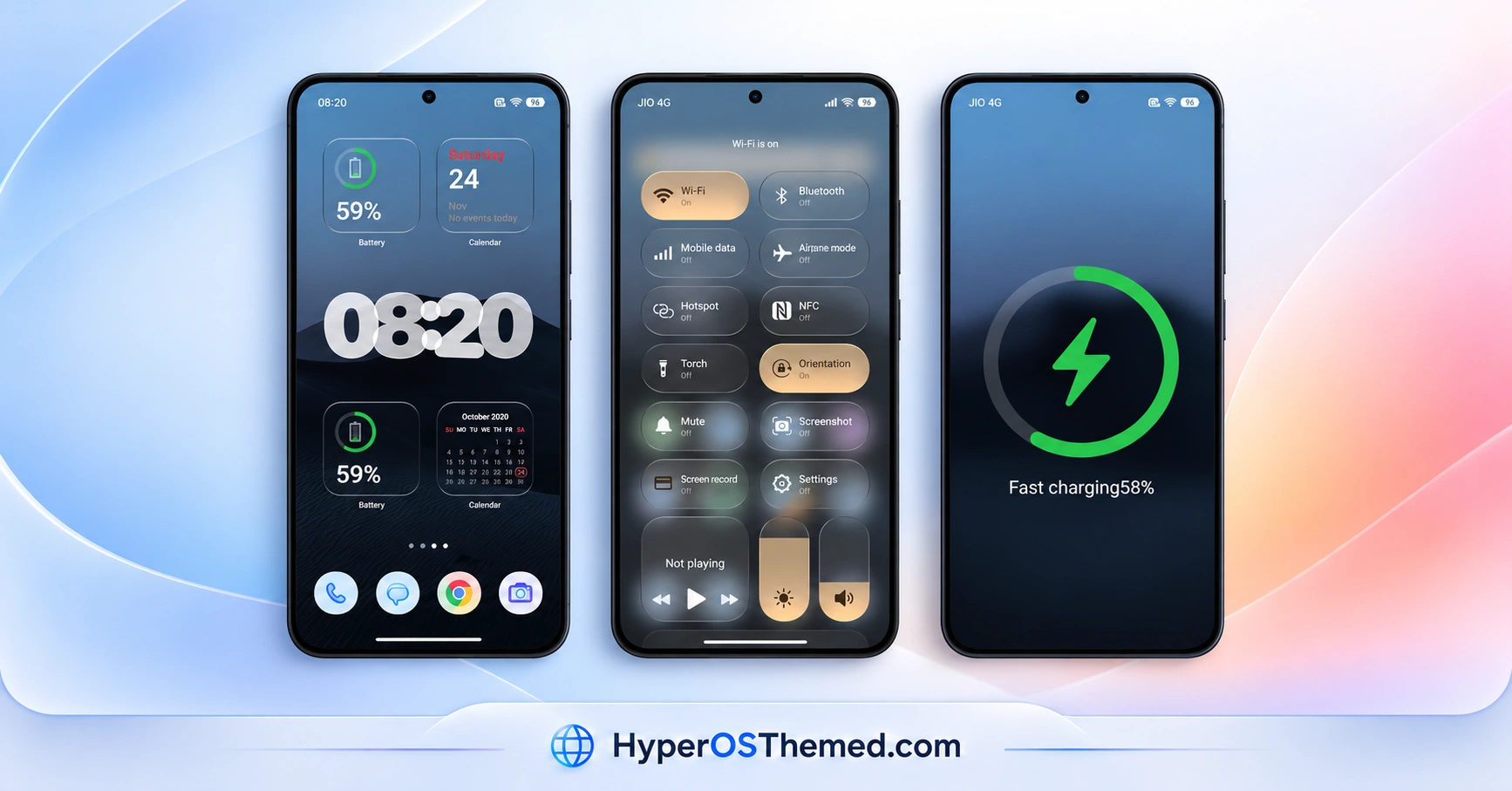
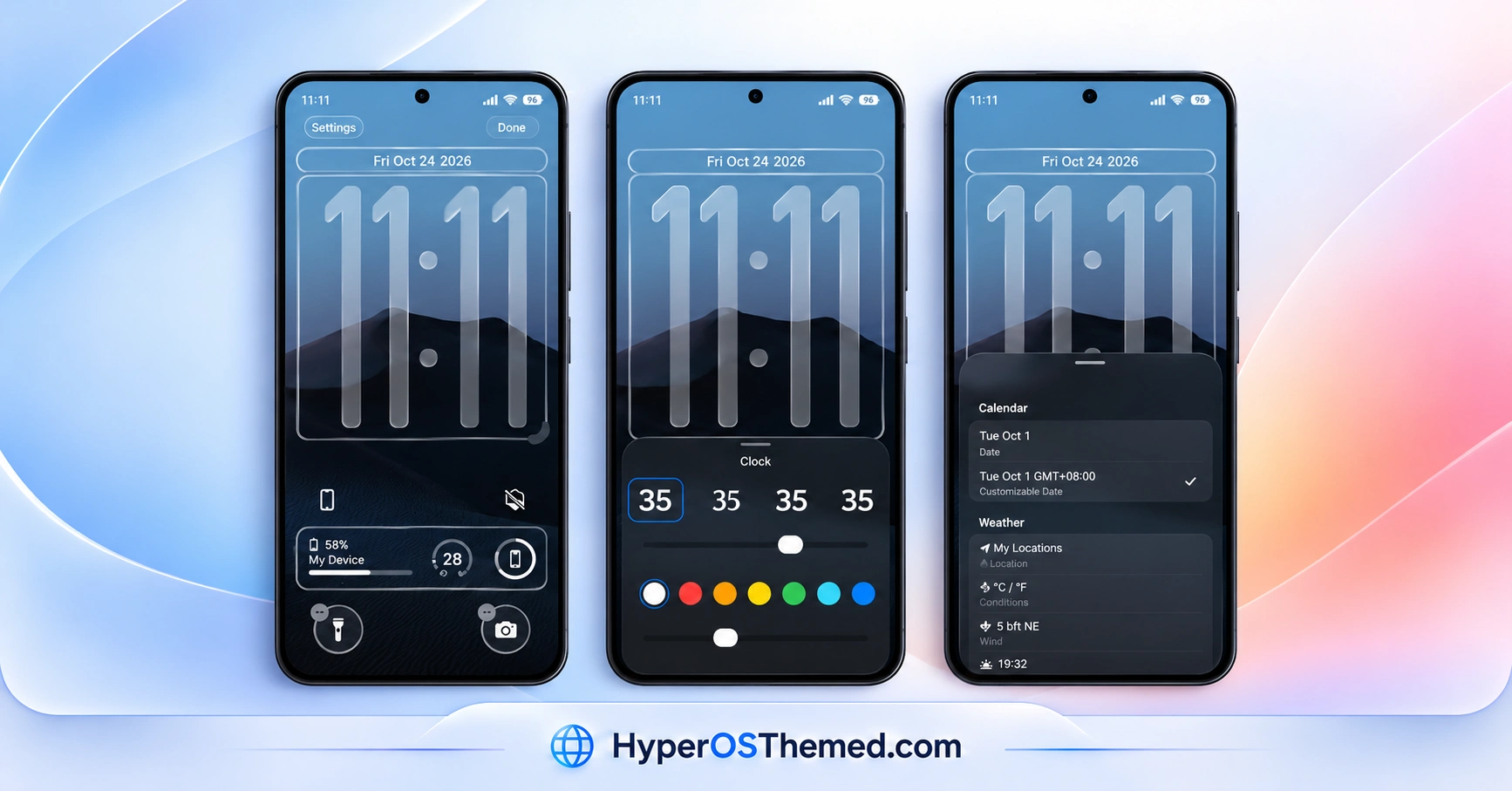
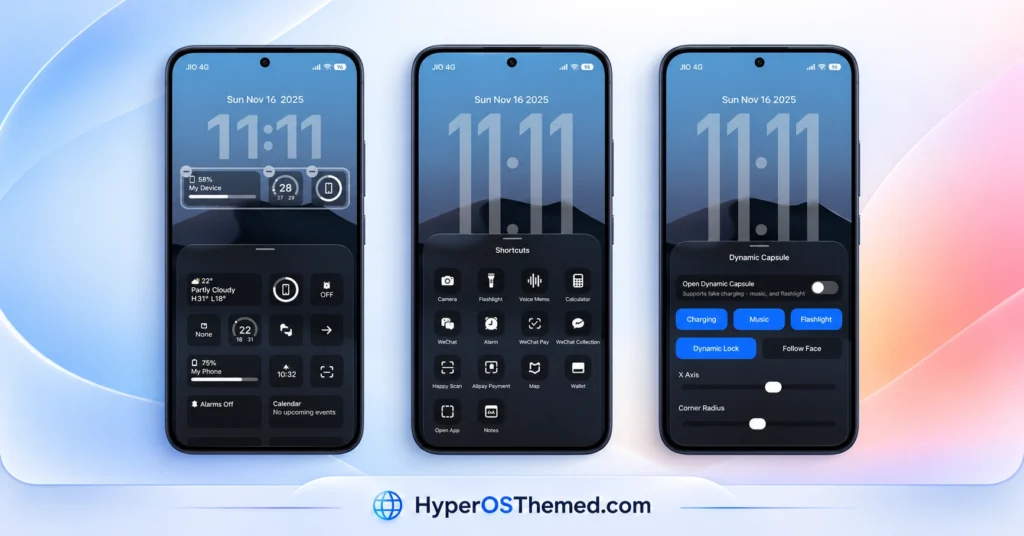
K-C Material Theme Overview
| Detail | Information |
|---|---|
| Theme Name | K-C Material |
| Designer | Oxfury 0.2 |
| Theme Size | 35.2 MB |
| Compatibility | HyperOS 3.0 |
| Supported Devices | Compatible Xiaomi, Redmi and POCO smartphones |
| Main Features | Material-style icon pack and interface customisation |
| Availability | Xiaomi Theme Store, depending on region |
Get K-C Material HyperOS Theme
You can look for K-C Material in the official Xiaomi Theme Store and check whether it is available for your device.
K-C Material HyperOS Theme Compatibility
K-C Material is compatible with HyperOS 3.0 on supported Xiaomi, Redmi and POCO smartphones. Availability may vary depending on your device model, software version and Theme Store region.
Before installing, check your phone’s HyperOS version and search for K-C Material in the Themes app. If it does not appear, it may not be available for your current region or software configuration.
How to Install K-C Material on Global Stable ROM
If your Xiaomi, Redmi or POCO smartphone runs a compatible Global Stable ROM, follow these steps to apply the theme through the official Xiaomi Theme Store:
- Open this page on your phone and tap the OFFICIAL THEME STORE LINK button above, when available.
- When prompted, select the Themes app to open the link.
- If the link opens in a browser, look for the Open in app option.
- On the theme’s page in the Xiaomi Theme Store, tap Download and wait for the download to finish.
- Tap Apply to activate the theme.
If the link does not open correctly, try Chrome or your device’s default Xiaomi browser. Theme availability may vary by region.
Important note: If you notice overlapping elements or parts of the interface that do not display correctly after applying the theme, restart your phone. If the issue persists, leave a comment with your phone model and HyperOS version so you can receive more specific help.
Why Choose K-C Material HyperOS Theme?
- Material-style icons for a different home screen appearance.
- Compatibility with HyperOS 3.0 on supported devices.
- Install the theme through Xiaomi’s built-in Themes app.
- A simple way to explore a new visual style without changing your launcher.
Conclusion
The K-C Material HyperOS Theme is worth exploring if you enjoy Material-style icons and want to refresh your Xiaomi, Redmi or POCO smartphone. Designed by Oxfury 0.2, it offers an alternative to the standard HyperOS appearance on compatible HyperOS 3.0 devices. Preview the theme and check its availability in your Xiaomi Theme Store before installing it. If it is available for your phone, you can download and apply it directly through the Themes app.
You may also like:
Uniswap HyperOS Theme with Premium 3D Glossy Icons and AI Wallpapers
S4u10 HyperOS Theme with a Stylish Lock Screen and Custom Icons
Crimson ObsidianV3 HyperOS Theme with Red Glass Icons and Dark Aesthetics
ss24 HyperOS Theme with an Animated Clock and Minimal Wallpapers
Real Glass HyperOS Theme with Blue Glass Icons and Depth Effect Lock Screen
